3D models in museums: how to use digital copies of exhibits
Digital copies of exhibits are used to preserve heritage, provide online access to collections, create educational materials, support research and build VR and AR projects, all without risk to the original. Not every object in a museum collection can be seen in person, but almost all of them can be preserved in digital form. 3D models of exhibits let you view them from every side in a browser, zoom in on details, integrate them into virtual exhibitions or print a tactile copy for people with visual impairments.
Let's look at how 3D digitisation works and what opportunities it opens up for museums, researchers and visitors.
What a 3D model of an exhibit is and how it is made
A 3D model is a digital copy of an object that accurately reproduces its shape, volume, surface texture and, in high-quality versions, its colours. Unlike an ordinary photograph, such a model can be rotated, scaled and viewed from any angle.
Several methods are used to create museum 3D models, and the choice depends on the size, material and value of the object:
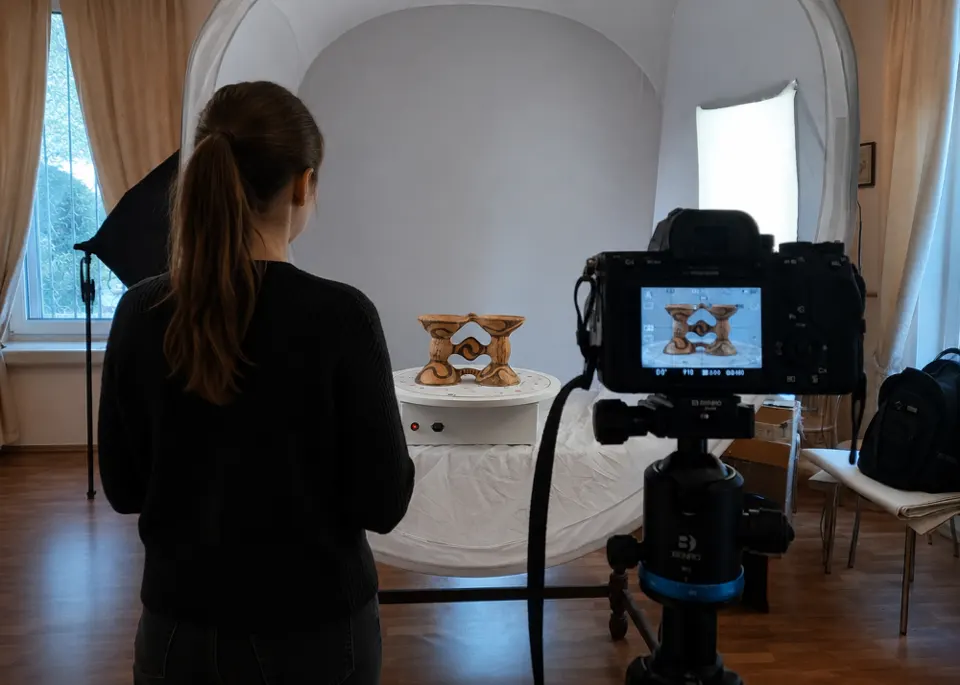
- Photogrammetry. One of the most common and affordable ways to create 3D models. The object is photographed from different angles, and software then turns the series of images into a three-dimensional model. The method does not require complex equipment and works well for ceramics, sculpture and archaeological artefacts with a pronounced texture.
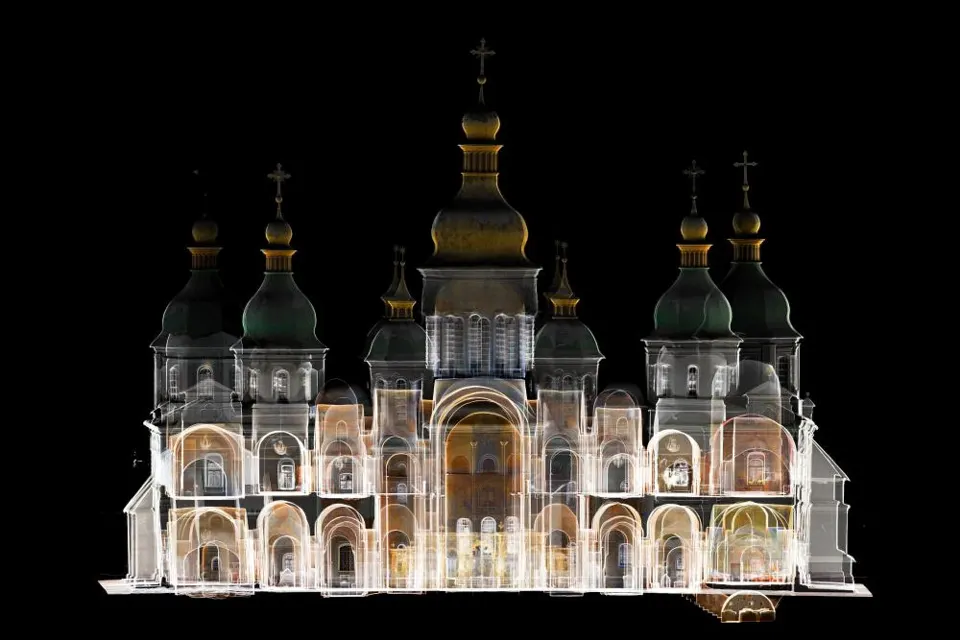
- Laser scanning (LiDAR). Using a laser beam, the scanner creates a detailed digital model of the object with high geometric accuracy. The method is especially useful for architecture and large objects.
- Structured light scanning. This method uses light projection to capture the shape of an object precisely and is particularly suitable for small objects with intricate details.
In practice the methods are often combined: geometry is taken from scanning, and realistic texture and colour from photogrammetry.
Why museums need 3D models: main use cases
1. Digital preservation of heritage
Objects age, deteriorate, and suffer from fires, floods, wars and simply time. A 3D model records the condition of an exhibit at a specific moment with high precision: a kind of “digital insurance policy”.
If the original is damaged or lost, a detailed copy will remain, suitable for research, reconstruction or even physical reproduction by 3D printing.
For many institutions preservation is the main argument for 3D in museums: digitisation does not replace restoration, but it preserves a digital copy of an object even when the original itself is lost.
2. Online catalogues and virtual tours
A 3D model turns a dry catalogue entry into a living object. Instead of a single photo, a website visitor gets an object that can be rotated in the browser, zoomed in and examined in fine detail: marks, cracks, tool traces.
Such models, integrated into virtual tours, make it possible to visit a museum and explore its collections from anywhere in the world.
3. Access to objects in storage
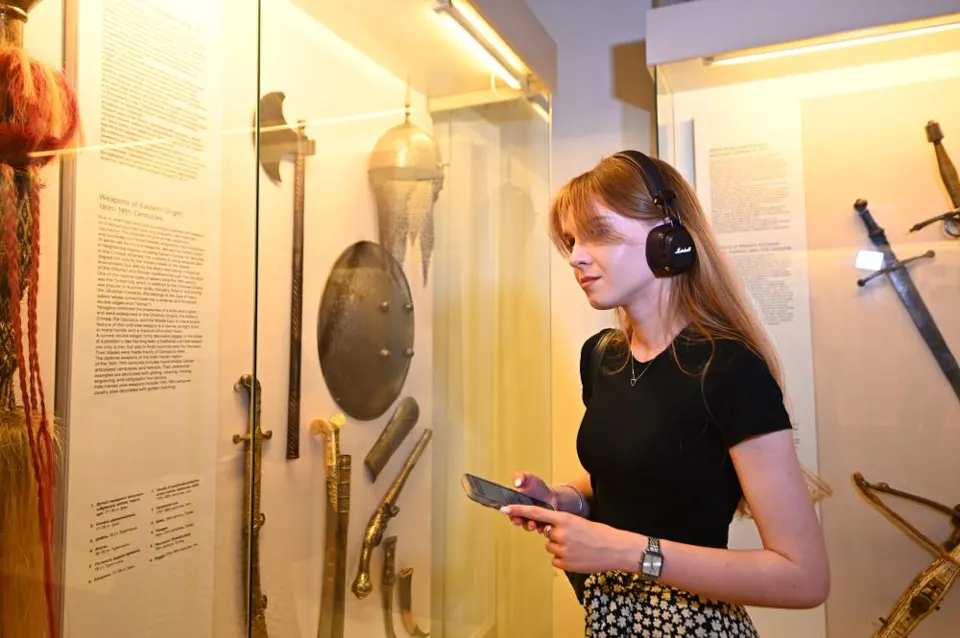
A permanent display usually shows only a small part of a museum's collection. The rest of the objects are kept in storage, are being restored or are not displayed because of conservation requirements. Digital copies make these objects accessible without additional risk to the originals.
Users can examine an object from every side as if they were holding it, even though the original is physically inaccessible. For researchers this means access to an object without risk of damaging it and without having to travel to the museum in person.
4. Educational materials
3D models of museum exhibits open up new possibilities for education and museum pedagogy. They allow objects to be studied in detail, viewed from different angles and examined for details that are hard to see in an ordinary photo. This is especially useful when studying archaeological finds, weapons, ceramics or natural history collections.
A separate advantage is inclusiveness: enlarged or tactile 3D-printed copies give people with visual impairments the opportunity to explore museum objects through touch.
5. VR and AR projects
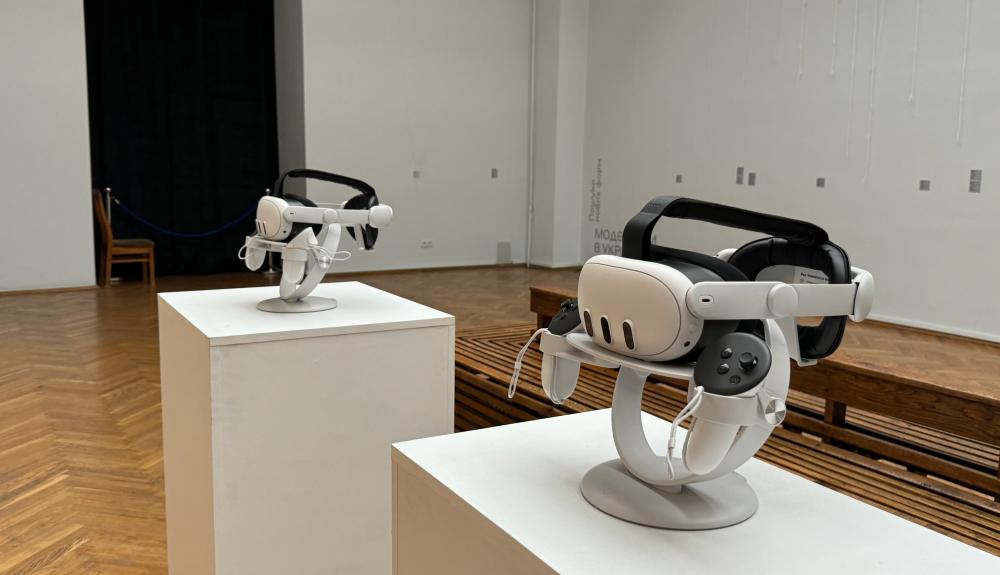
Three-dimensional models are ready-made “building material” for virtual (VR) and augmented (AR) reality.
In VR you can recreate a lost interior, reconstruct an archaeological site or place the visitor in the historical context of an object.
AR lets you “take” an exhibit out of its display case: by pointing a smartphone, the user sees a three-dimensional model right on their table, can rotate it and read an explanation.
Such formats work especially well with younger audiences and in museum apps, turning viewing into exploration.
6. Restoration and scientific research
For restorers and scholars, a 3D model is a precise measuring tool. It makes it possible to:
- document the condition of an object before and after restoration and objectively compare the changes;
- virtually reassemble broken objects from fragments before restoration work begins;
- model missing parts before physical restoration;
- take precise measurements and analyse geometry in ways that are impossible from photographs alone.
This makes 3D digitisation of museums not only a means of popularising and preserving heritage but also a fully fledged scientific method.
Where a museum should start
Launching 3D work does not necessarily require a large budget. But several steps need to be taken:
- Define the goal. Preservation, online access, education or research: the required quality of models and the choice of technology depend on this.
- Start with a pilot selection. Choose 10–20 iconic or most popular objects rather than trying to digitise everything at once.
- Match the method to the objects. For most collections photogrammetry offers the best balance of cost and result; complex or large objects may require scanning.
- Take care of metadata. A model without a description, inventory number and history of use loses its scholarly value. A digital copy must be linked to the exhibit's registration data.
- Choose a publishing platform. There are services for hosting interactive 3D models in the browser that are easy to embed in a museum website or online catalogue.
- Think through rights and terms of use. Decide in advance whether models may be downloaded, used in education, commercially and so on.
The digital dimension of cultural heritage
Until recently 3D models of exhibits were seen more as an add-on to traditional work with collections. Today they are increasingly becoming an integral part of it.
A digital copy does not simply duplicate an exhibit; it opens up new possibilities for researching, preserving and presenting it.
In the coming years the role of 3D digitisation will only grow. For museums this means a gradual transition to new approaches to working with collections, in which physical and virtual spaces complement each other ever more closely.
Photos courtesy of the NGO "eMuseum"